To view all of your call lists and the suppliers assigned to the given lists(s), select the blue Call lists icon at the top left of the page.
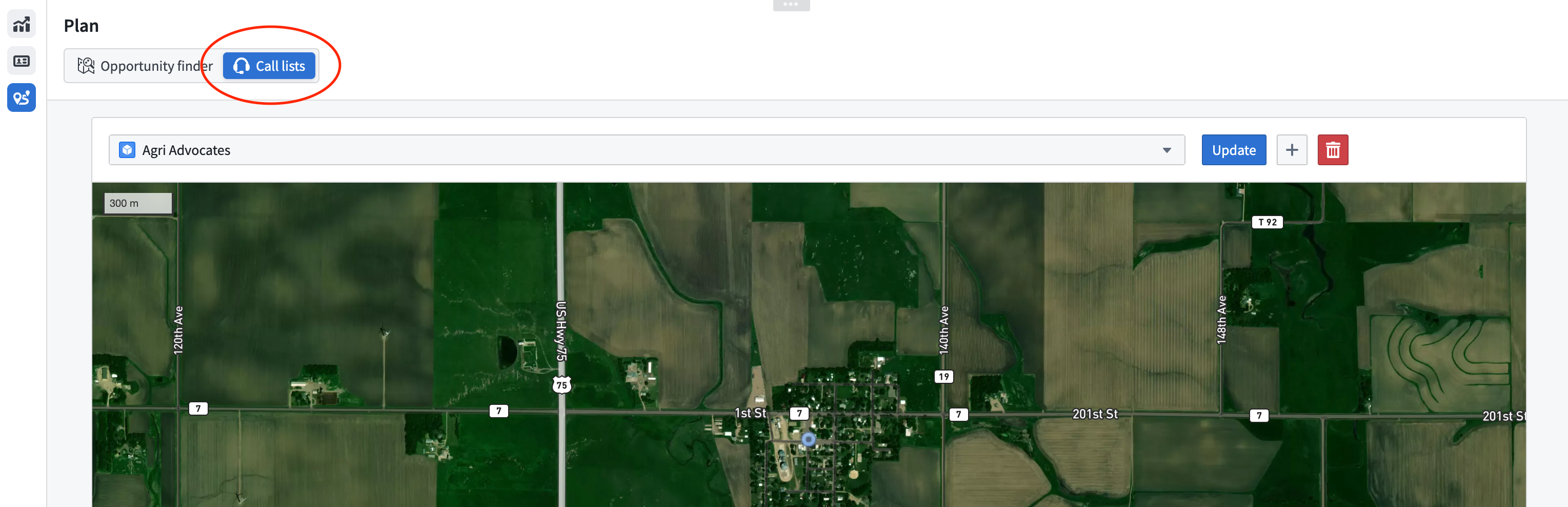
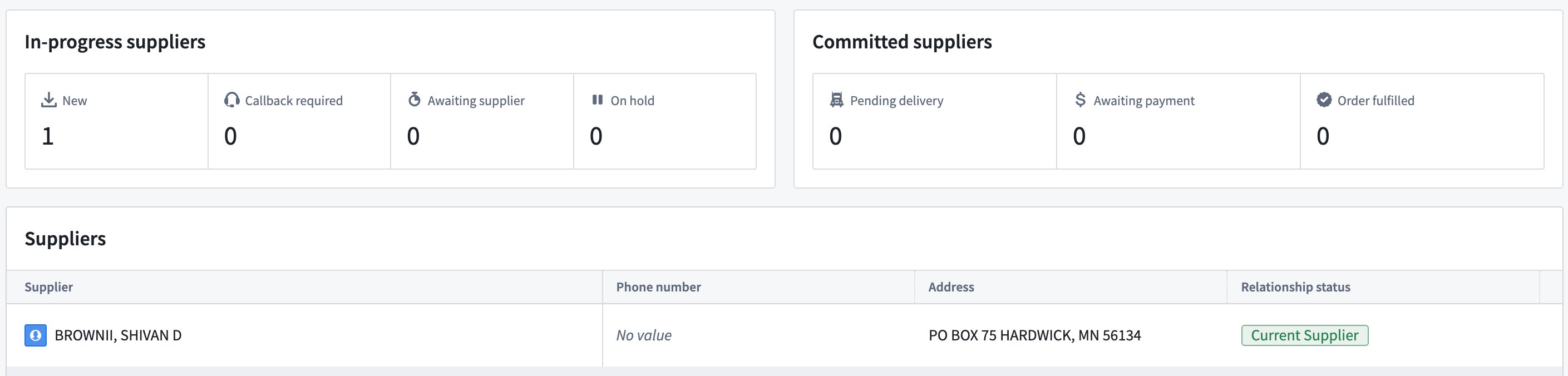
On the Call lists page you can scroll through the drop down to view all of your current call lists. By selecting a call list from the drop down, you can view all of the suppliers, their contact information, and their Supplier Status.
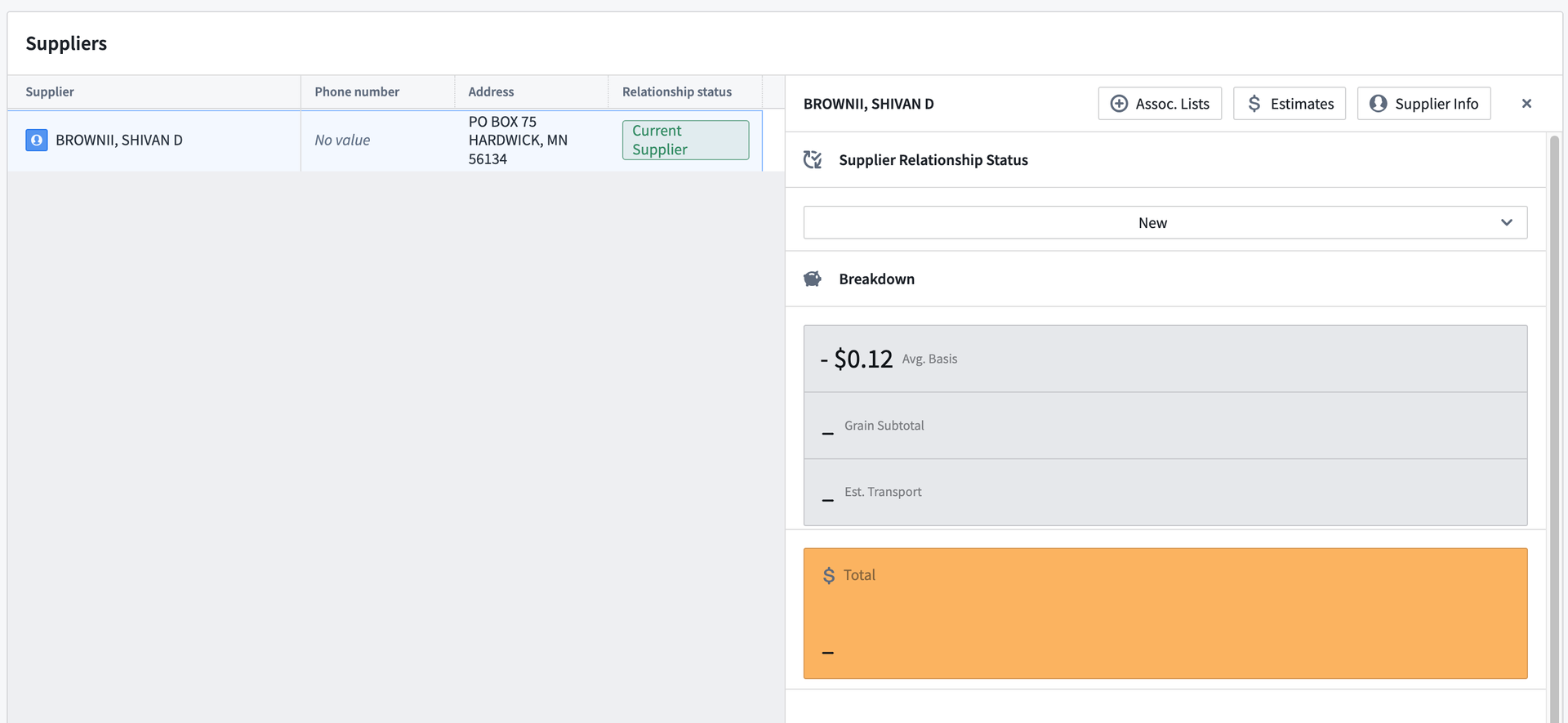
Each of the suppliers can be clicked on to view additional information. This information is specific insights into this supplier, such as their cost breakdowns and transportation rates, allowing you to create an estimate.