
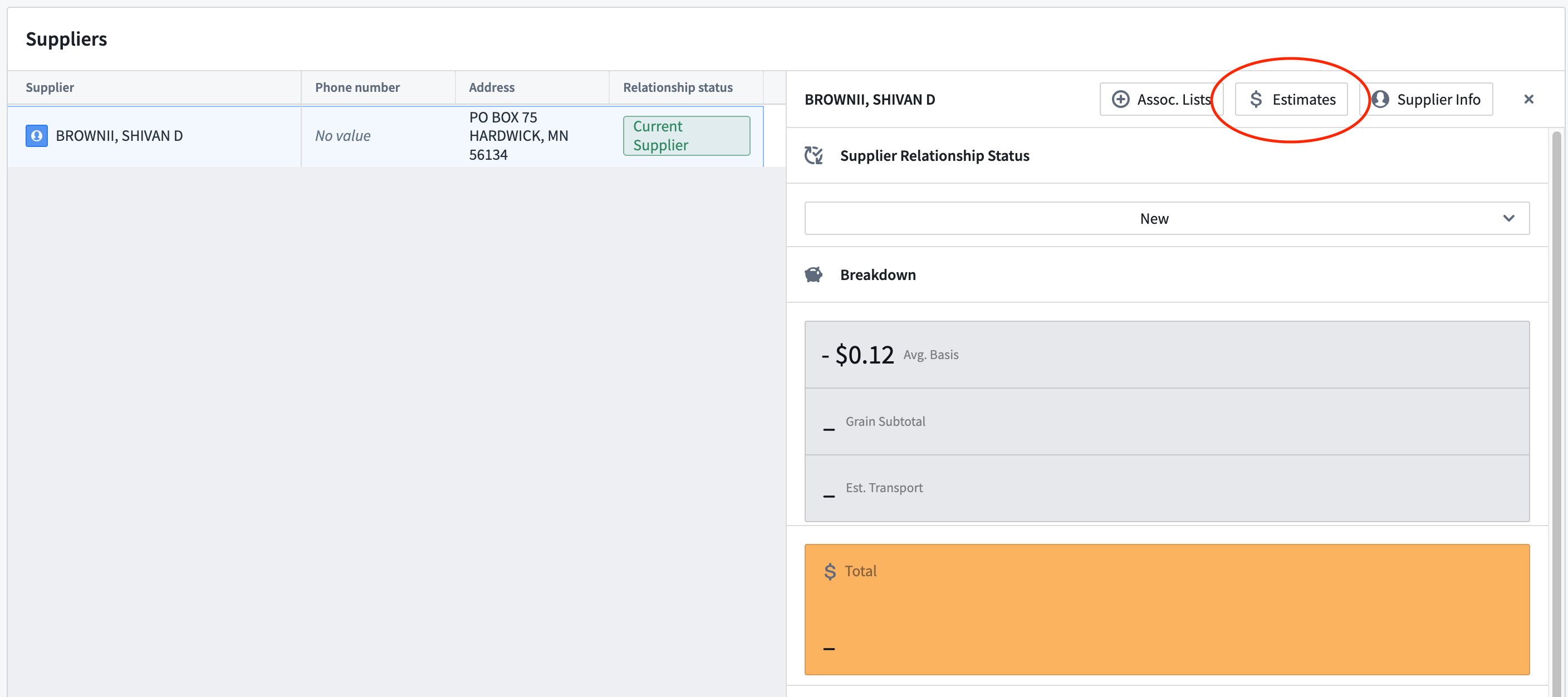
While still within a given supplier’s call list as shown above, create an estimate by clicking on the Estimates button.
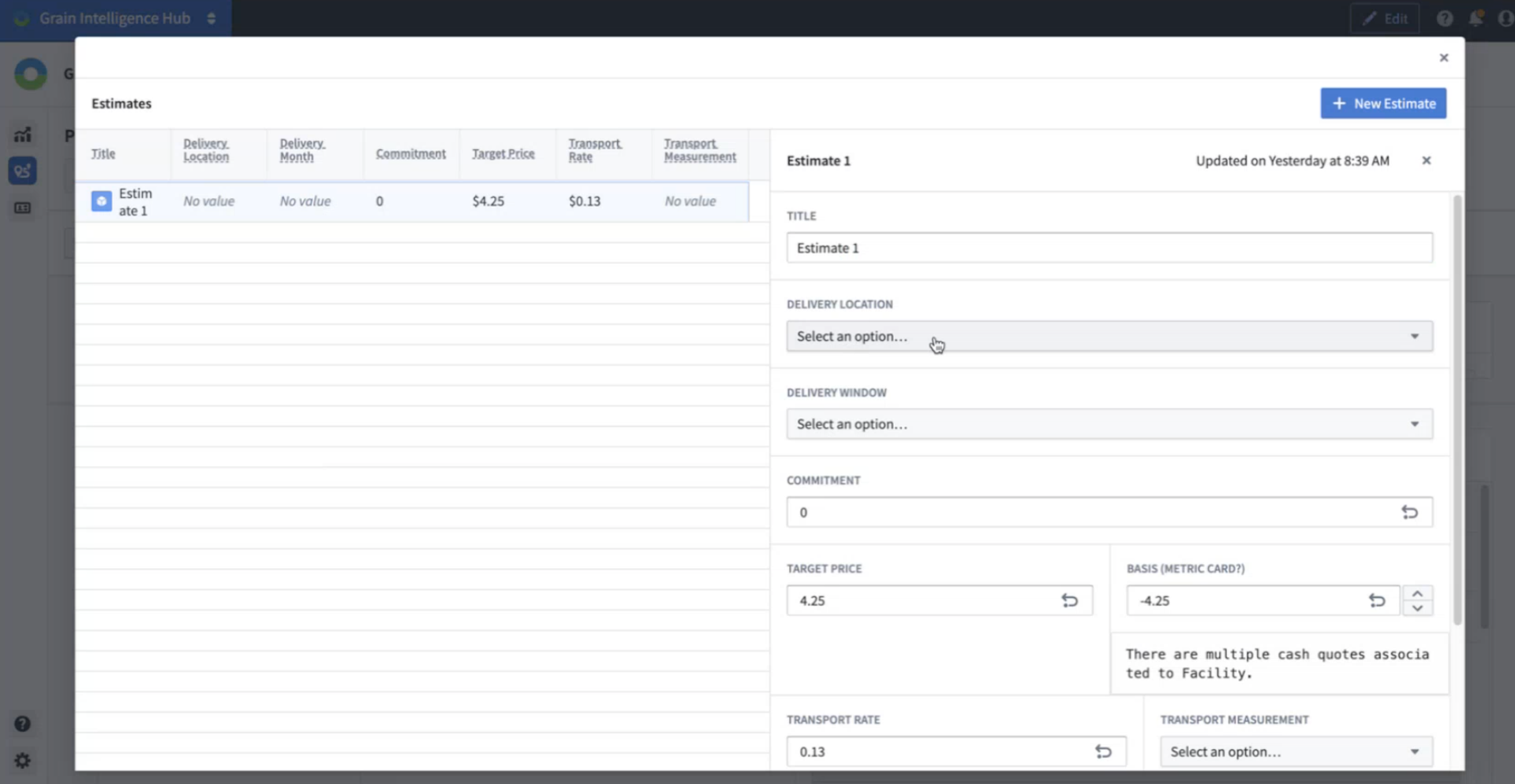
On the next page you can begin the process of strategizing with the available supplier information. Start by naming this new estimate under Title, and then completing as much of the menu items as possible. Once complete, click the blue Edit button at the bottom and your updates will show in the table on the left.
You can then create a New Estimate using the blue button at the top right to create multiple estimates under the same supplier.
Once you are done creating estimates, close out of this window by clicking the small x at the top right. You will now see these updated numbers and estimates on the call list dashboard.
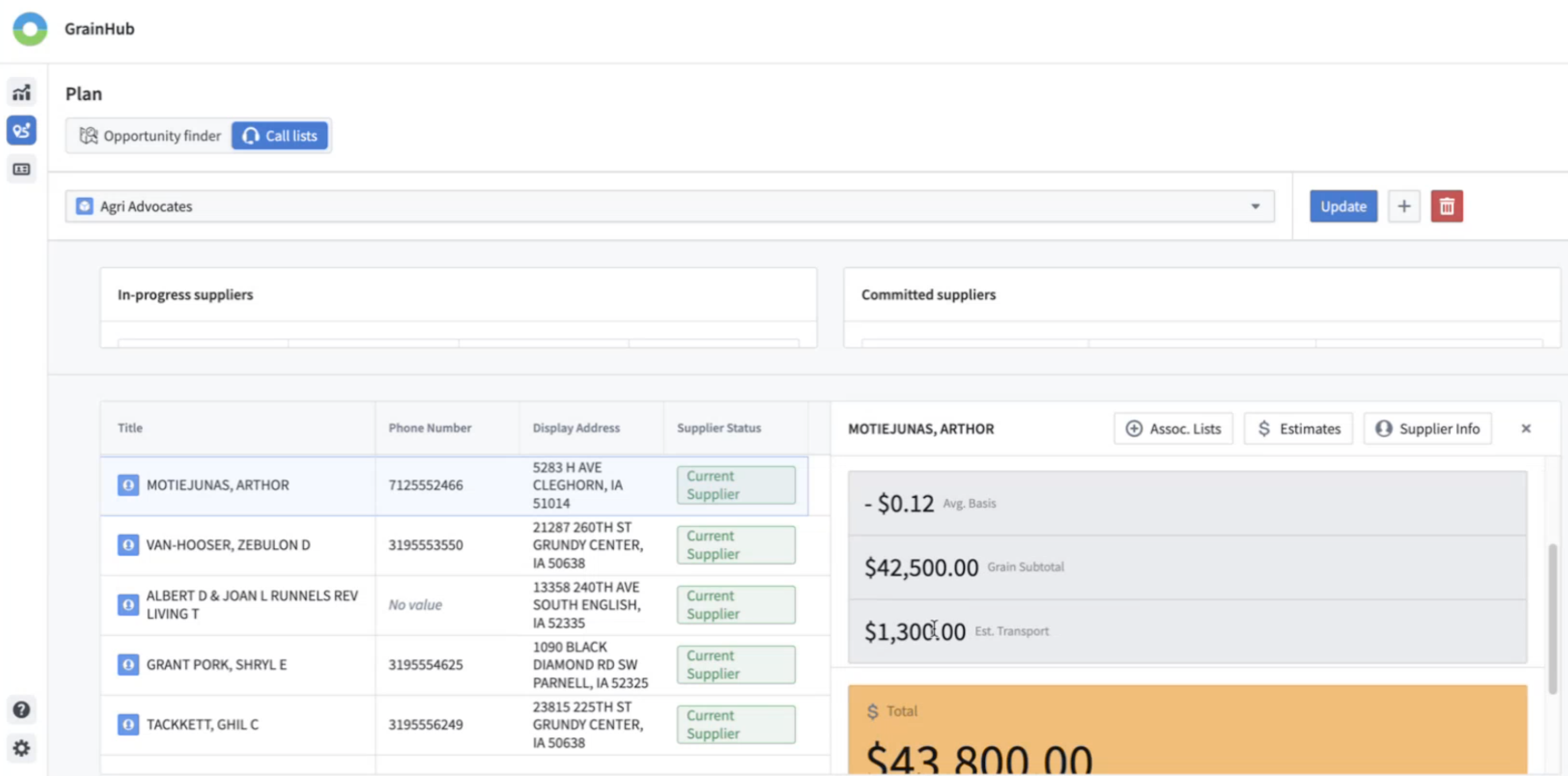
By creating estimates for each supplier you will also be able to view this information at the summary level, providing an opportunity to compare and manage your opportunities.